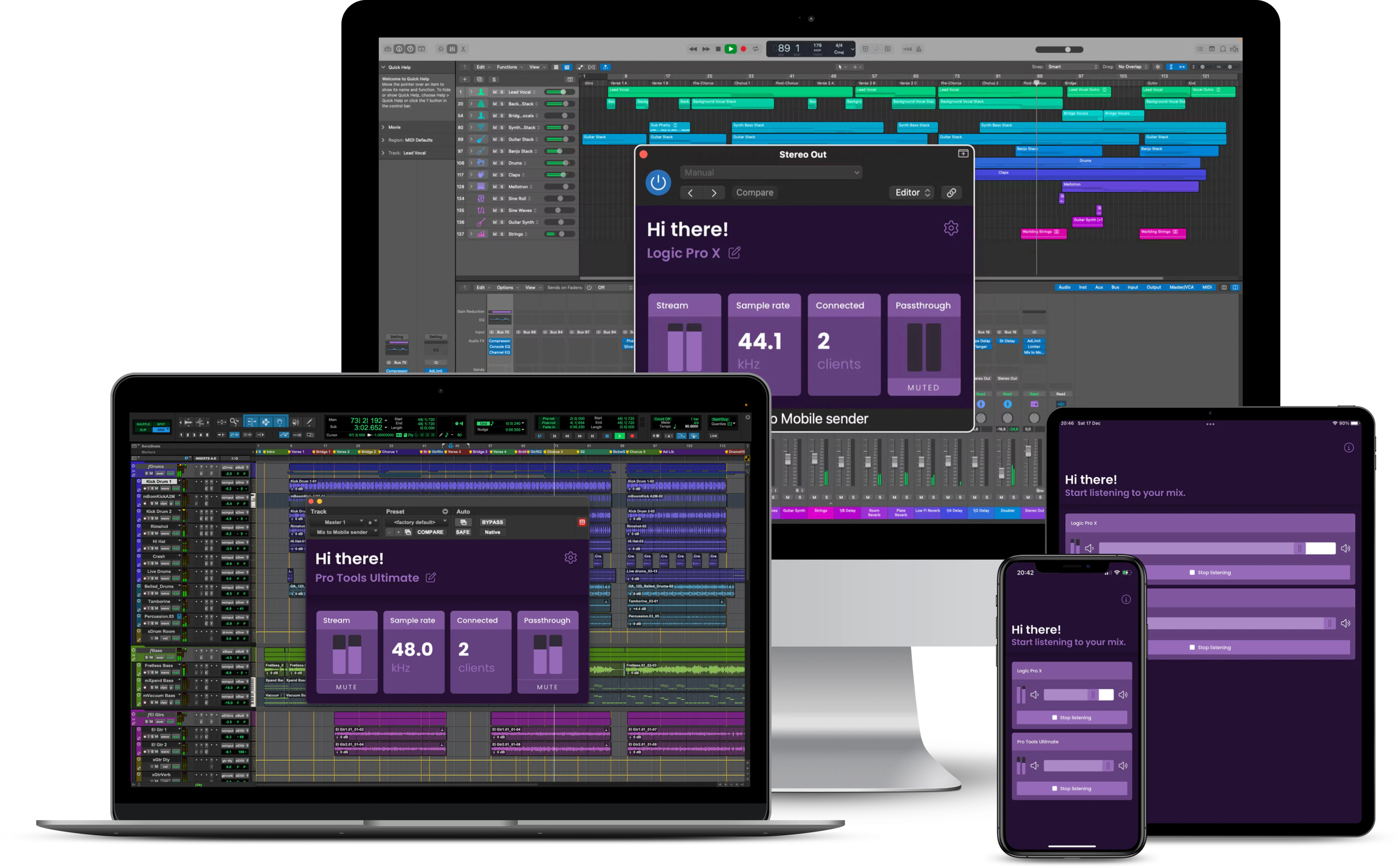
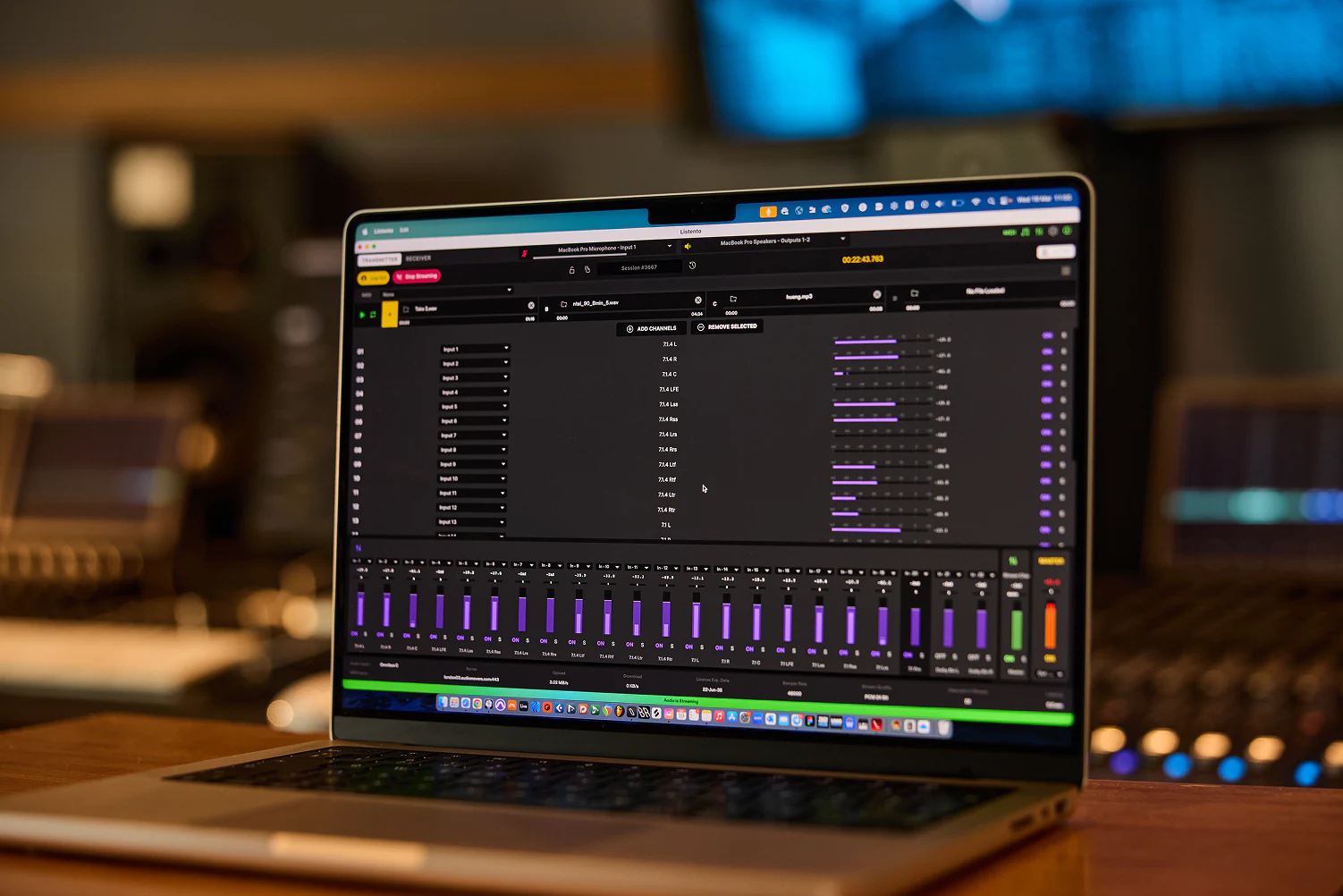
Best Way to Send DAW Audio to Mobile Real-Time - 4 Tool Comparison
If your audience listens on phones, earbuds and car systems, it helps to hear your mix there while you work. This guide compares Mix to Mobile, LISTENTO, Waves Stream and SonoBus for live mobile preview workflows.
If you are still bouncing files every time you want to check your phone mix, this is the faster alternative. Instead of export -> transfer -> open -> listen -> go back to DAW, you can stream directly from your session and hear each tweak immediately.
Jump to full comparison
A mix that sounds great in the studio can fall apart on real-world playback systems. Live preview lets you verify and tweak while you are still in the creative flow.
Traditional bounce workflows are still valid, but they are slower for iterative mix decisions. Live preview tools reduce that loop from minutes to seconds, which is especially helpful during vocal, low-end and stereo-balance tweaks.
- Verify vocal balance and bass translation on phone speakers
- Live tweak top-end, width and detail checks on AirPods
- Quickly test impact and low-end behavior in the car
- Catch translation problems before export, upload and client review
Typical fast workflow
- Route your DAW output into a live streaming tool
- Listen on your phone, earbuds or other target device
- Adjust EQ, compression or balance in the DAW
- Hear the change immediately on the real playback system
Tool overview
Full comparison: DAW to mobile live-preview options
| Category | Mix to Mobile | LISTENTO | Waves Stream | SonoBus |
|---|---|---|---|---|
| Best for | Local device translation checks while mixing | Remote client approvals and pro collaboration | Remote collaboration and browser-based listening | Flexible peer-to-peer internet or LAN collaboration |
| Network model | Local network focused | Internet streaming | Internet streaming | Internet and local network |
| Mobile listening | Dedicated receiver apps | Mobile receiver options and browser workflows | Web listening and plugin receive workflows | Standalone app across mobile and desktop platforms |
| Setup complexity | Fast local setup | Moderate, remote-stream oriented | Moderate, link-sharing workflow | Moderate, routing/group setup can vary |
| Pricing style | One-time purchase | Subscription | Subscription or included in Waves plans | Free/open-source with optional donations |
Mix to Mobile for local device checks
Mix to Mobile is built for engineers who want instant playback checks on real consumer devices while actively mixing. The core value is speed: route audio once, keep your DAW playing, and switch between studio monitors, phone speakers, AirPods and other nearby devices without bouncing new files.
It is especially useful when you are making many small translation decisions in a short time. Instead of stopping to export, transfer and reopen files, you can make a tweak and hear the result immediately on the target device. That helps you stay in a creative flow and fix issues before they turn into revision rounds.
- Best fit: In-room translation checks on phone speakers, earbuds, tablets and laptops
- Main advantage: Lossless low-latency local streaming with a one-time purchase model
- Workflow strength: Great for rapid EQ, level and low-end decisions during active mix revisions
- Potential limitation: Designed around local-network monitoring rather than remote internet sessions
LISTENTO for remote approvals and collaboration
LISTENTO is a professional remote audio streaming platform for internet-based sessions. It is commonly used when clients, producers or collaborators need to hear your DAW output in real time from another location, often through structured approval or review workflows.
Compared with a local-only approach, LISTENTO gives you broader remote flexibility. If your workflow includes external stakeholders, internet collaboration and higher session-management demands, it can cover use cases beyond simple in-room device checks.
- Best fit: Remote approvals, production feedback and internet collaboration workflows
- Main advantage: Mature remote ecosystem with professional feature depth
- Workflow strength: Useful when non-technical listeners need to join sessions from outside your studio
- Potential limitation: Subscription model can feel heavy if your main goal is local phone checking
Waves Stream for Waves-centric remote workflows
Waves Stream focuses on remote audio sharing from your DAW using Waves Send and Receive plugins plus browser listening. It is aimed at fast link-based collaboration and can be a practical fit if you already rely on Waves tools in your daily setup.
For producers and mixers working with remote clients, it offers a direct way to stream current session audio without exporting drafts repeatedly. For pure local translation checks, it may include more remote-oriented workflow than you need.
- Best fit: Remote collaboration and link-based listening for clients or collaborators
- Main advantage: Tight fit for users already in the Waves ecosystem
- Workflow strength: Quick sharing model for sessions where feedback happens live over the internet
- Potential limitation: Subscription-style access may not suit local-only reference use cases
SonoBus for free and flexible peer-to-peer audio
SonoBus is a free, open-source peer-to-peer audio tool that supports both internet and local network streaming. It is popular for users who want maximum flexibility, cross-platform options and no subscription requirement for core use.
It can work well for remote collaboration, creative jam sessions and budget-conscious setups. The trade-off is that routing and setup may require more hands-on attention than more guided commercial tools, especially for beginners.
- Best fit: Budget-friendly remote or LAN collaboration with multi-user possibilities
- Main advantage: Free and open-source, with broad platform support
- Workflow strength: Flexible routing and group-based collaboration for advanced users
- Potential limitation: Setup and routing can feel more technical for new users
Which one should you choose?
Choose Mix to Mobile if...
You want the fastest route to checking your mix on your own phone, AirPods and other local devices during active mix decisions.
Choose LISTENTO if...
You run remote approvals or professional internet collaboration sessions and need a mature remote-focused ecosystem.
Choose Waves Stream if...
You are in the Waves ecosystem and want a simple remote streaming workflow with browser-friendly listening access.
Choose SonoBus if...
You need a free, open-source option for peer-to-peer collaboration and do not mind a more hands-on setup process.
Pricing and licensing
Mix to Mobile
Listed as a $39 one-time purchase with 30-day free trial.
LISTENTO
Subscription model for sender use.
Waves Stream
Subscription model, also available via Waves subscription bundles.
SonoBus
Free and open-source, with optional donation support.
Improve mix translation without breaking your flow
Live monitoring on real devices helps you make faster, better decisions before export and release.
Try Mix to Mobile free