
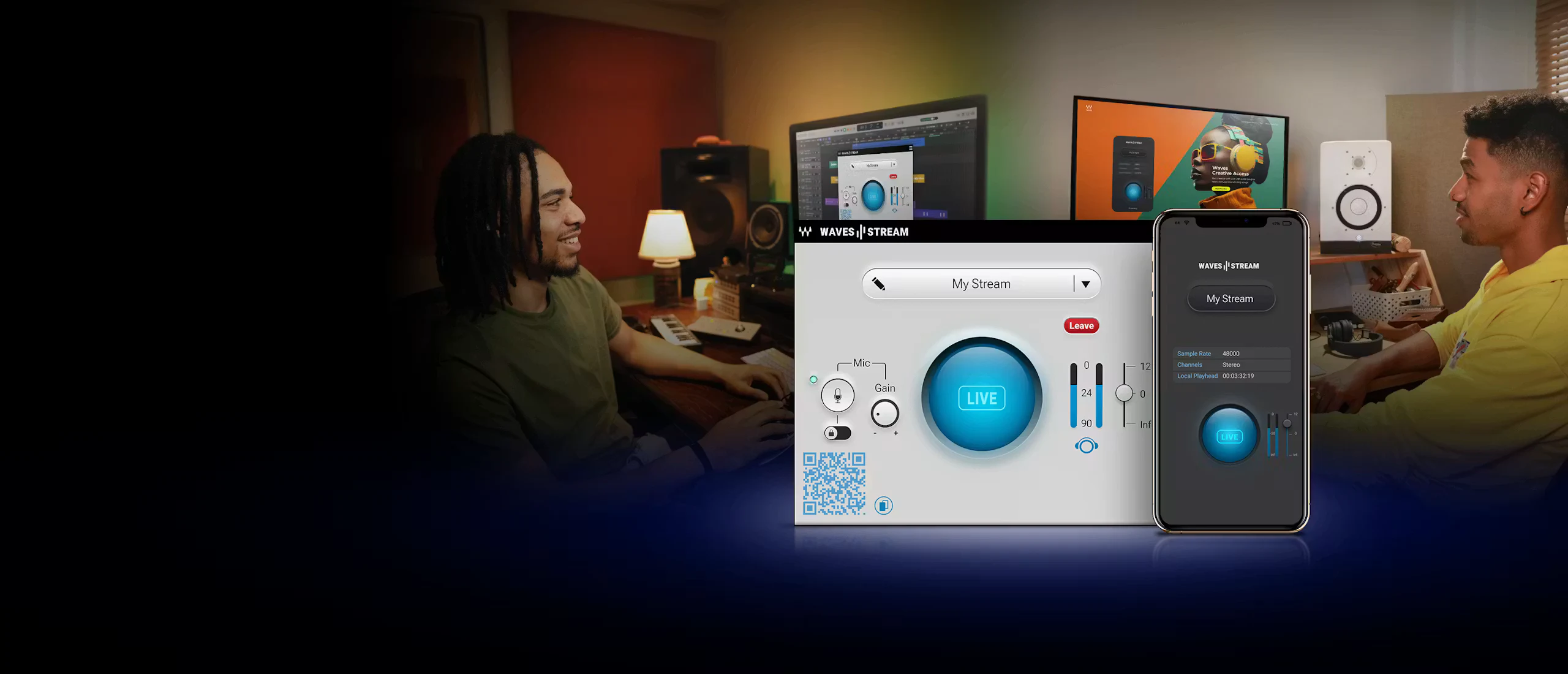
Waves Stream vs Mix to Mobile
Best Way to Send DAW Audio to Mobile Real-Time
Sending live audio from your DAW to phones, tablets, and other real-world playback devices helps you verify translation while you mix. Instead of bouncing and transferring files for every change, you can monitor updates in real time and make faster decisions.
Compare products
Waves Stream and Mix to Mobile at a glance
Waves Stream vs Mix to Mobile
Comparison of Waves Stream and Mix to Mobile
| Feature | Waves Stream | Mix to Mobile |
|---|---|---|
| Best suited for | Remote collaboration and client approvals over the internet | Real-time mix checks on phones, tablets and computers nearby |
| Core feature | Share DAW audio via a stream link, web player or Receive plugin | Stream lossless audio directly across a local network |
| Setup time | Load Send plugin, start stream, share the generated link | Add the sender, open the receiver app and press Start listening |
| Integrations | Waves Stream Send and Receive plugins plus browser listening | VST3, AudioUnit and AAX, plus a standalone desktop sender |
| Security and access | One-time links and optional password protection for streams | Access limited to devices connected to your own local network |
| Listening targets | Remote listeners in browser or DAW, typically one collaborator at a time | Multiple local listeners on iOS, Android, macOS and Windows receivers |
| Pricing model | Subscription (standalone or through Waves Creative Access) | $39 one-time purchase with a 30-day free trial |
Check translation on actual playback devices
Hear your live session on the same phones and tablets listeners actually use. Make a change in your DAW and hear it instantly without exporting.
Avoid recurring subscription costs for local checks
Mix to Mobile uses a perpetual sender license. Receiver apps are free, and updates have been provided free to existing users.
Keep your referencing chain lossless and low-latency
Audio stays on your local network in a lossless format with low latency, which keeps your workflow responsive during mix decisions.
How Mix to Mobile works
Start monitoring a live mix on another device in three direct steps.
- Install the sender. Install the Mix to Mobile plugin and apps on macOS or Windows.
- Send audio from your session. Insert the plugin on your master bus or use the standalone sender with an audio input device.
- Start listening. Open the receiver on your phone, tablet or computer, select the stream and make changes in real time.
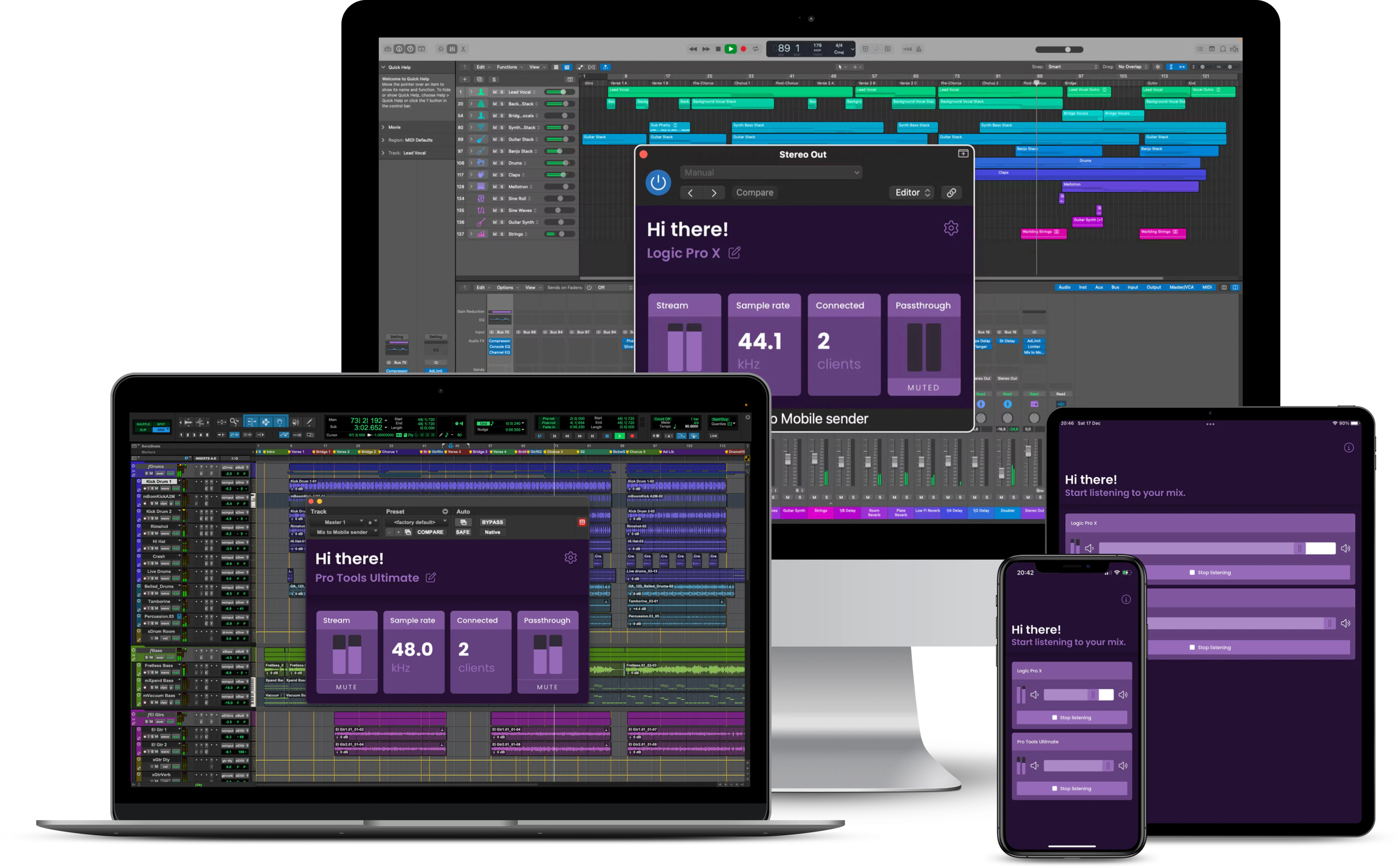
Which product fits your workflow?
| Use case | Recommended product | Reason |
|---|---|---|
| Checking a mix on your own phone | Mix to Mobile | Direct local streaming, fast setup and no recurring fee for sender use |
| Sending a live mix to a remote client | Waves Stream | Designed for internet delivery through shareable links and web listening |
| Testing translation across several local devices in one studio | Mix to Mobile | Built around local network playback on multiple receiver devices |
| Remote producer feedback during a live revision session | Waves Stream | Internet collaboration workflow with Send and Receive plugin modes |
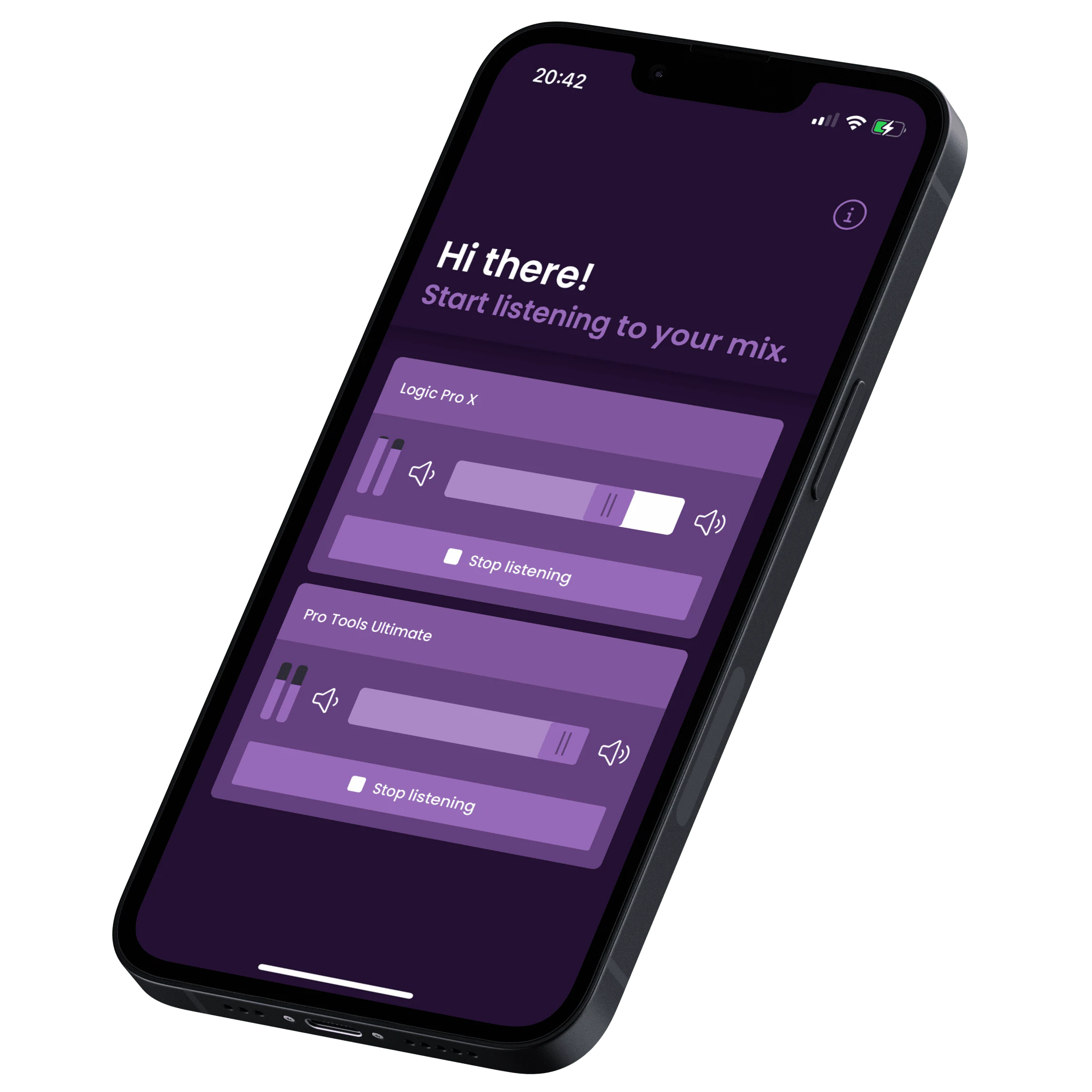
Adding Mix to Mobile to your monitoring workflow
If you already use internet streaming tools such as Waves Stream, Mix to Mobile can sit alongside them for quicker local checks. Use remote services when distance matters, and Mix to Mobile when device translation speed matters.
- Install the sender plugin or standalone desktop app
- Download the free receiver app on each listening device
- Connect the devices to the same local network
- Select the stream and start listening
Pricing and licensing
Prices and plan structures can change. Verify current Waves Stream and Mix to Mobile pricing on their official product pages before publishing.
Frequently asked questions
Both stream live audio from a DAW, but for different priorities. Waves Stream is built around internet collaboration. Mix to Mobile is optimized for local-device monitoring and fast translation checks.Can Mix to Mobile stream outside my local network?Does Waves Stream require every listener to install software?How does Waves Stream pricing compare with Mix to Mobile?
No. Listeners can join via web browser using a stream link. For DAW-based receiving, the Waves Stream Receive plugin and qualifying license are required.
Mix to Mobile is designed around devices on the same local network. LISTENTO is the stronger fit when listeners need to connect from another location over the internet.
Waves Stream uses a subscription model (standalone or included in Waves Creative Access tiers), while Mix to Mobile is listed at $39 as a one-time purchase with a 30-day free trial.
Stop bouncing mixes just to check your phone
Stream your session directly to the devices people actually listen on and make better translation decisions without interrupting your mix.