
We’re excited to share the latest update for Mix to Mobile, which brings new features to smoothen your workflow.
Mix to Mobile is a set of plugins and applications that enable real-time audio streaming to mobile devices, allowing you to mix on mobile devices in real-time and achieve better mixes in less time.
What’s new
Automate the mute buttons
It’s now possible to automate the mute buttons in the plugin, right from the DAW. This makes it possible to hook the mute buttons up to some shortcuts or other control interfaces. No need to open up the Mix to Mobile window anymore.
Mute button link
The mute buttons can now be temporarily linked together by holding down a modifier key while clicking the button. The other button will be set to the opposite state, which makes is super easy to switch between local monitoring and monitoring on your mobile device. On macOS hold command and click, on Windows hold Ctrl and click.
Auto start listening to newly discovered streams
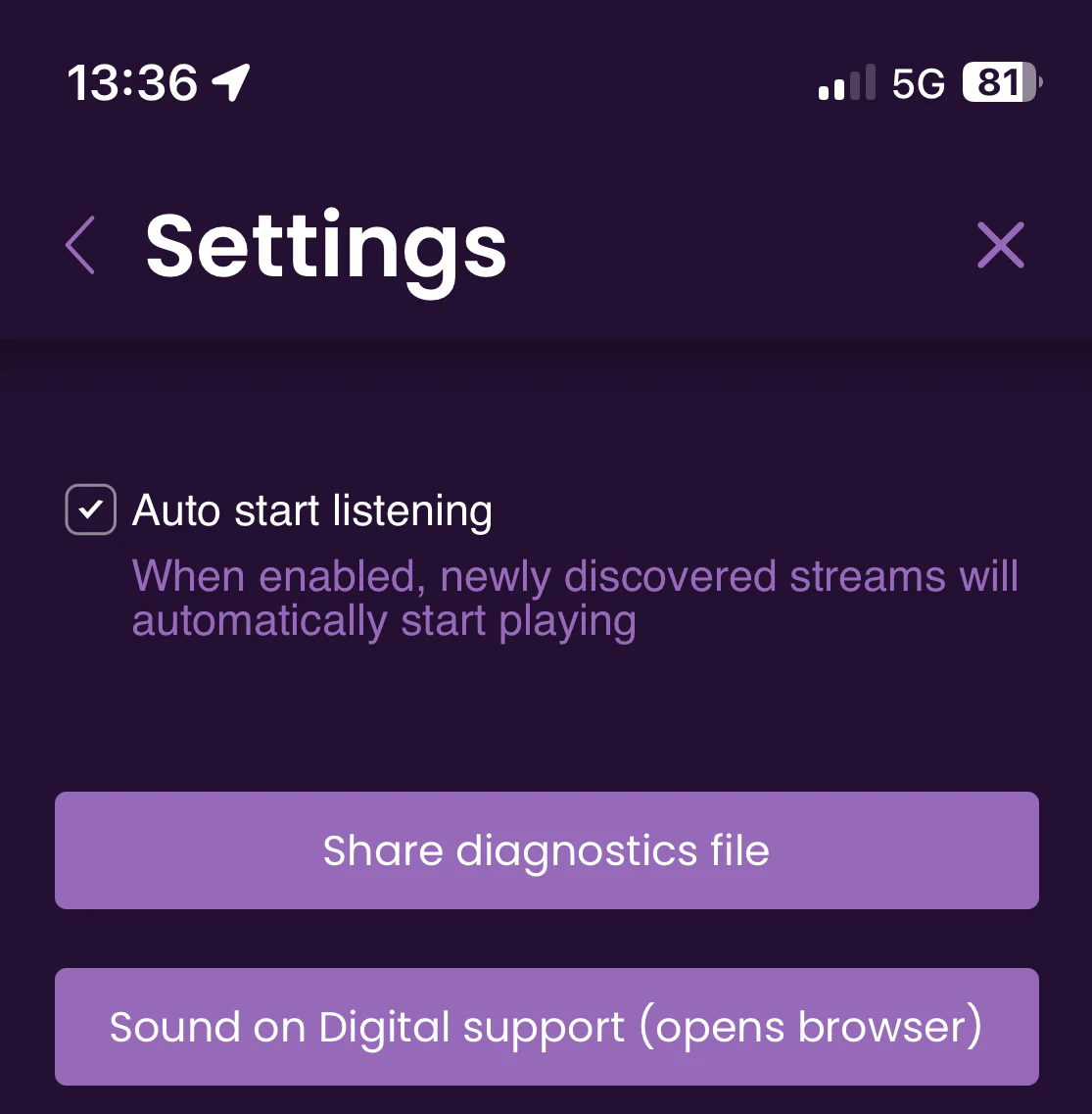
Under settings (follow the gear on the mobile app) it’s now possible to enable “Auto start listening”. Whenever a new stream is discovered, Mix to Mobile will automatically start listening to that stream.
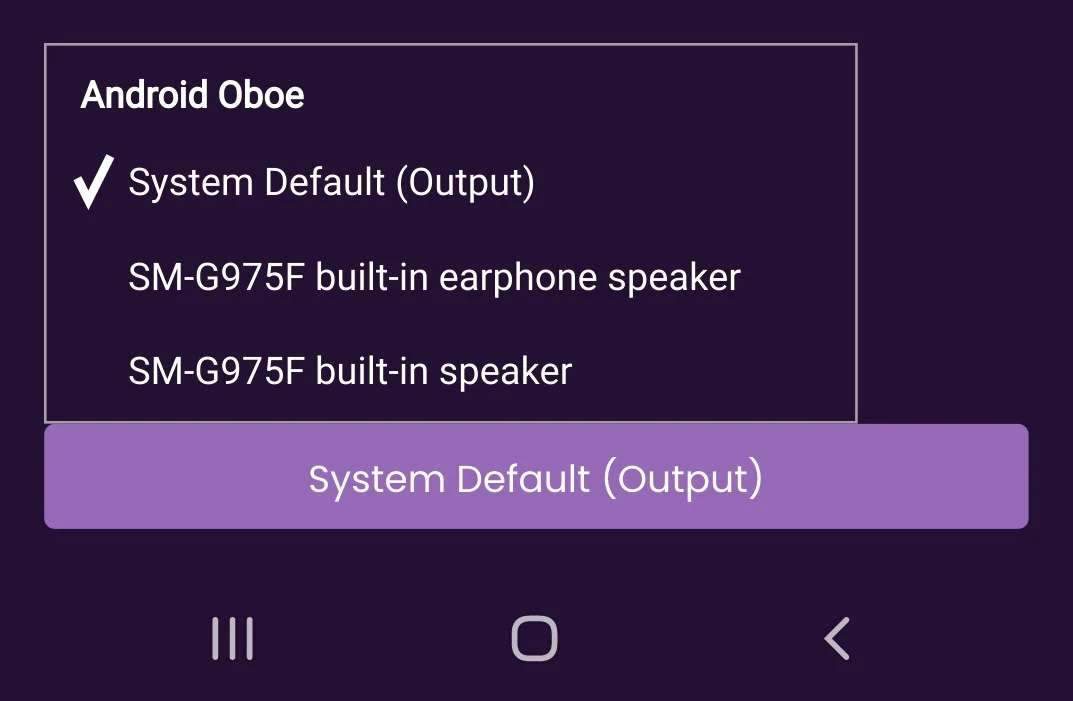
Audio device selection for Android users
At the bottom of the mobile app there is now a button to select an audio device specifically. This makes it possible for example to route the audio to your earphone speaker.
Other improvements and fixes
Trial indication and activation
The sender plugin will now indicate when the trial is active and allow to upgrade to a perpetual license while in the trial period.
Increased font and button size on iOS and Android
Some users reported that the text and buttons were too small. In this update the size of text and buttons is increased.
Bug fixes
The layout of the activation screen was messed up, which we fixed. We took the opportunity to change the layout overall a little bit, but nothing too crazy.
Free upgrade
This is a free upgrade for existing Mix to Mobile users. The receiver app is (and will always be) free, while the sender app requires a perpetual one-time license. No subscriptions and all apps and plugins are included.
To upgrade or install all the apps and plugins, just download the latest installer: